
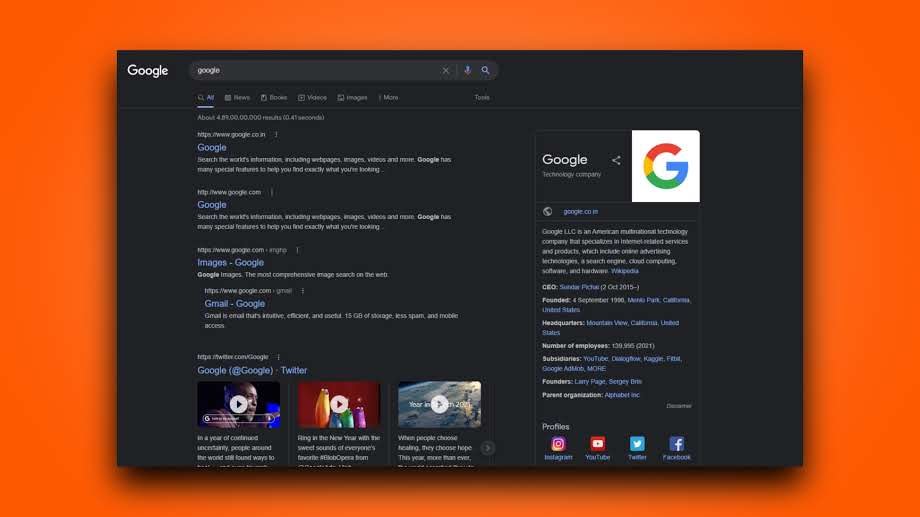
Google had introduced the new dark theme feature for the search result page a few months back. If you are not aware of it and how to use or turn it on then you are at the right place. Here is the guide on how to enable dark search results in Google.
Search Result Dark Theme
The dark mode becoming one of the most wanted features in every application or software whether it’s on any device. People love to have the dark mode while they can comfortably work on their devices at night. Keeping that Google also released the update of dark mode search results for their Google search on windows.
The feature is still missing on mobile devices but Google might be pushing it soon. Here is the guide to turn on the dark theme for Google search results on a computer or desktop. The dark mode feature will work on any web browser whether it’s Microsoft Edge, Mozilla Firefox, Safari, Opera, or others.
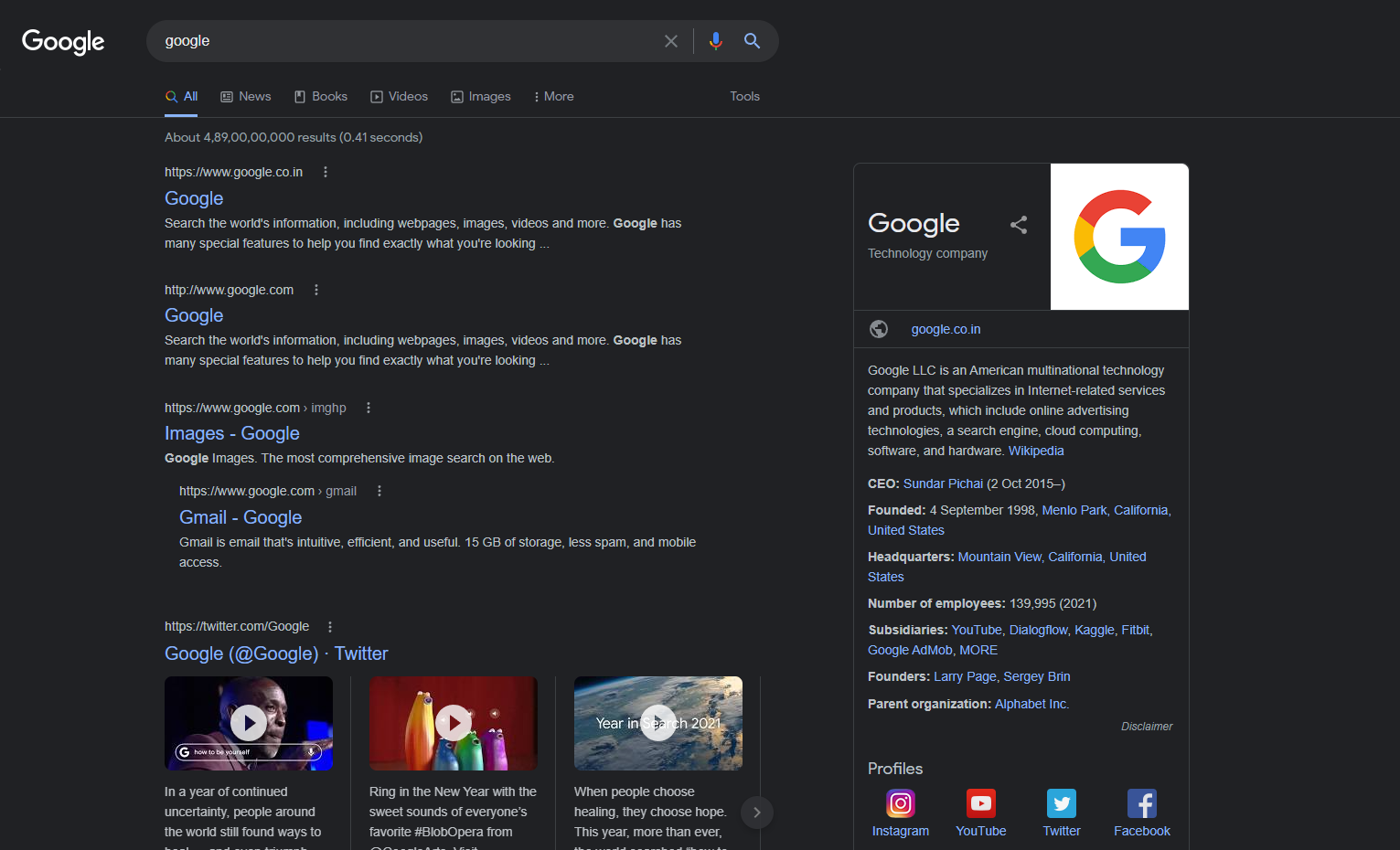
How to Turn on Dark Theme For Google Search
Open the web browser on your PC or laptop, and search for anything (for ex- search for hey).
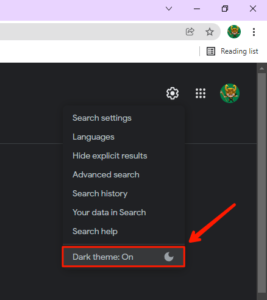
Now from the search result page that is currently in the light mode, click on the settings icon at the top-right side beside the profile or sign in button.

From the popup toggle the “dark theme” ‘on’. That’s it the search result page will now turn dark and will continue to be in the dark theme until you toggle it off from the same settings option.
For more queries leave a comment down below.
Read More – How to Open Incognito in Chrome
Leave a Reply