
Pubg Mobile or Battlegrounds Mobile India is the most popular mobile game among the players, and players are playing the game with a lot of passion and continuously improving their skill and game sense. But during the grind, some players may not feel comfortable showing their career results to other players. This is why the game offers to hide the career result to secure the privacy of the player.
Career Result
Career Result can also be referred to as match history, which means it is the page where all the matches played by the player in a particular period of time will be shown with their individual results and the player with whom the player played the match.
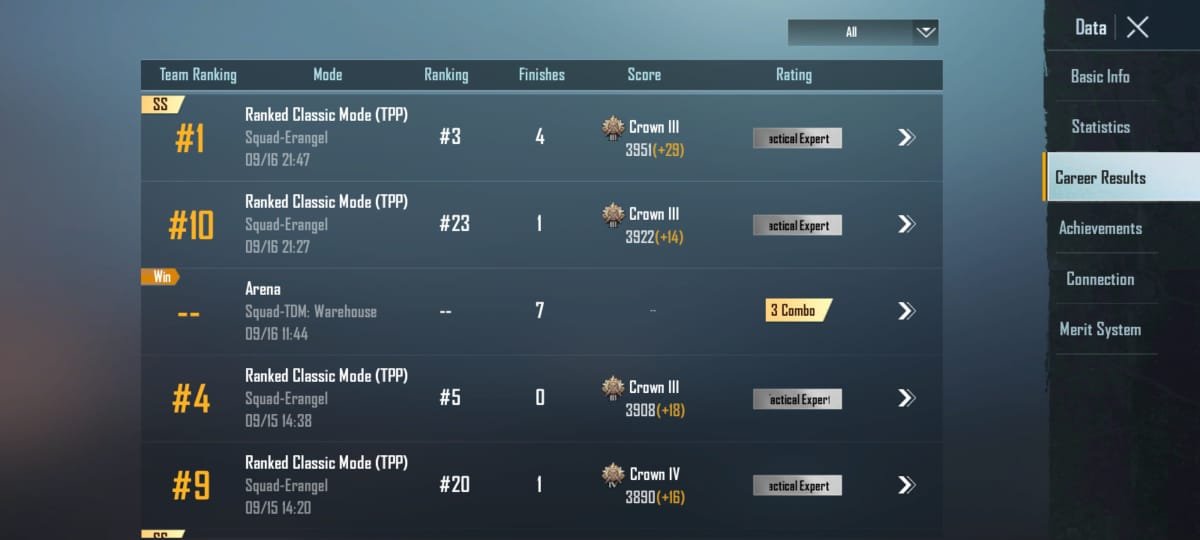
Pubg Mobile or BGMI players can hide their career results from other players, meaning other players can not see the matches the player had played and this way the performance of the player will also be hidden. Though the overall matches played and KD or FD ratio will still be visible to everyone.
[adinserter block=”23″]
How to Hide Career Result in Pubg Mobile Bgmi
There are the same steps to hide the career results in both games. Follow the below guide.
- Open the Pubg Mobile or BGMI game on your device.
- Now tap on the arrow icon on the bottom-right and tap on ‘settings’.

- Then tap on the privacy & social option.
- Now under the connection tab, toggle disable for ‘Allow Others to See Results.

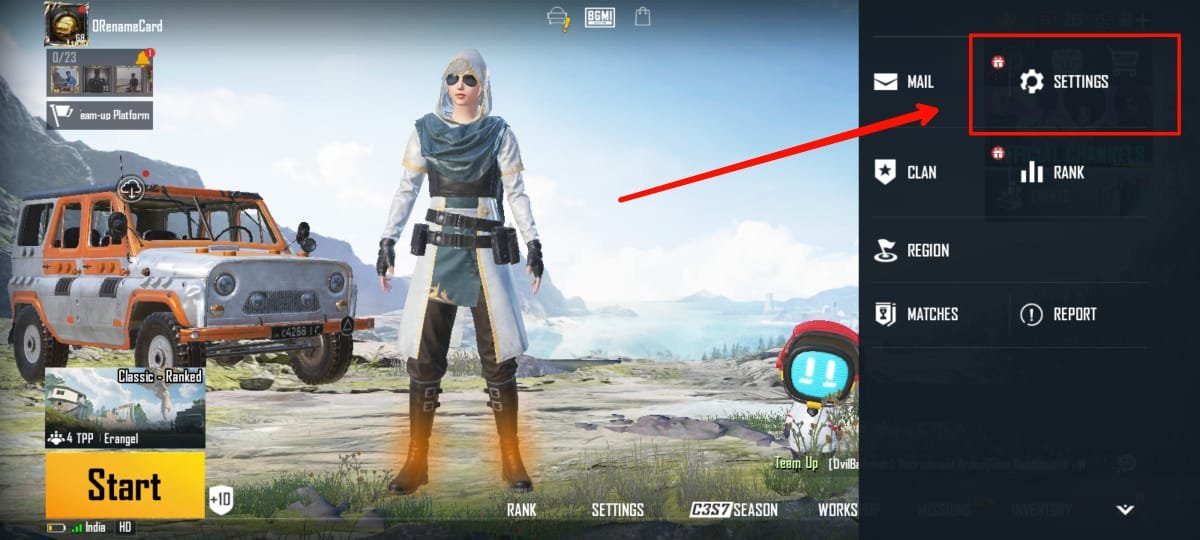

And after that, no one can see your career result or match history by visiting your profile.
[adinserter block=”23″]
What Other Players Will See
Once you disable allow others to see results from your game settings, when other players visit your game profile and go to the results or match history page they will see the player choose to hide the result message, instead no match history will be shown there.

To Show Career Results
To make career results visible to other players again, enable the ‘allow others to see results’ option from the settings under privacy and social.
Read More – How to Get M416 in Pubg Mobile Bgmi
Leave a Reply