
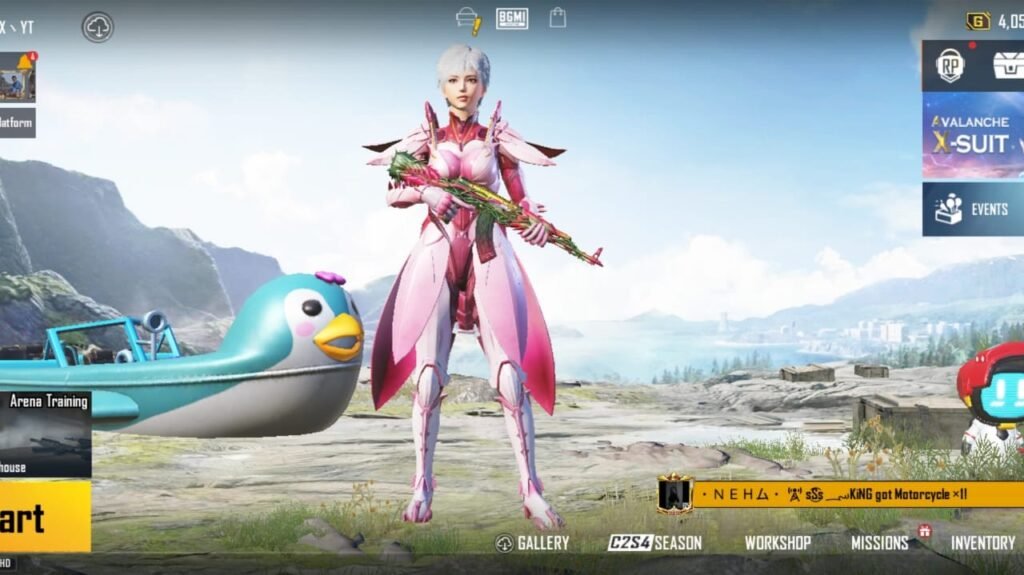
Want to change your profile picture in Pubg Mobile or Battlegrounds Mobile India. Here is the complete step-by-step guide to set a custom profile picture or in-game avatars in Bgmi-Pubg Mobile.
Profile picture or avatar is important when you are playing the game for a long period of time, it also helps your friends to determine that it’s you if you have changed your name recently. Pubg Mobile offers players the to set various in-game avatars. Or the player can also set the custom profile picture with the help of their linked social media account to the game.
How to Change Avatar in Pubg Mobile/Bgmi
Avatars are the pre-built picture that is provided by the game itself to set as the player’s profile picture. The player can use and change them according to their wish here’s how.
1. Click on your profile icon at the top-right.
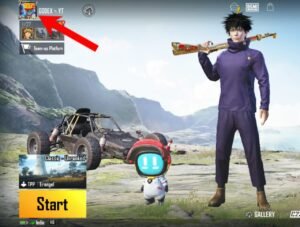
2 .Now click on the setting icon.
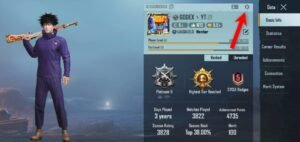
3 .Now click on the avatar and choose one to set, and click use.
[adinserter block=”6″]

The avatar will be set as your profile picture.
[adinserter block=”7″]
How to Set Profile Picture in Pubg-Bgmi
If you want to set a custom profile picture on your account, then you will need to link your Pubg or Bgmi accounts to social media like Facebook, Twitter, or Google Play Games.
Once you linked your account to the given option, you will be able to use the same profile picture as your in-game avatar that you are using on your social media account.
1. To link your Pubg account, go to game settings.
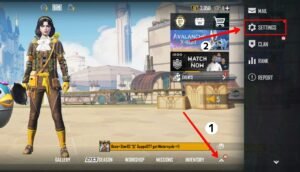
2. Then under the basic setting, you will get an option of a linked account. Tap on it and log in with your credentials. Once it’s done. you have successfully linked your game account to your social media account.
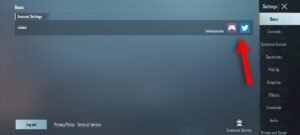
3. Now restart your game and after restarting, go to avatar setting and choose your profile picture there. You will be able to set your profile picture as an in-game avatar in the game.
[adinserter block=”6″]
To Change Profile Picture
To change the in-game profile picture that you have set by linking your social media account, you will need to change it on the social media account first and it automatically updated in the game account.
Means, first change your profile picture in your social media account that is linked to your Pubg-Bgmi account. And then it will update in the game profile avatar automatically.
Read More – How to Hide Weapon in Pubg Lobby
Leave a Reply